
Everything you need to know about signing in to bestph — from your first login on mobile to recovering a forgotten password. Fast, secure, and built for Filipino players on any device.
The bestph Login page is your gateway to everything the platform has to offer — live dealer tables, hundreds of slot games, sports betting on PBA and UFC, online sabong, and your personal wallet where your GCash deposits and winnings are stored. Getting into your account should be quick and painless, and for most Filipino players it is. This guide walks you through the entire process, from the standard login flow to what to do when things don't go as expected.
bestph was designed with mobile-first Filipino users in mind. Whether you're logging in from a mid-range Android in Davao, an iPhone in Makati, or a desktop browser in Cebu, the login experience is consistent and optimized. The platform doesn't require you to download a separate app — the browser-based interface handles everything, including secure session management and two-factor authentication.
Your bestph account is tied to either your Philippine mobile number or your email address, whichever you used during registration. Both work equally well for login. If you registered with your +63 mobile number — which most Filipino players do — you'll enter it in the standard international format on the login screen. The platform accepts both the +63 prefix format and the local 09XX format, so there's no need to worry about which one to use.
Security is taken seriously at bestph. Every login session is protected by SSL encryption, and the platform supports two-factor authentication (2FA) via SMS OTP for an added layer of protection. If you're logging in from a new device or a new location — say, you're an OFW accessing bestph from abroad — you may be prompted to verify your identity with a one-time PIN sent to your registered mobile number. This is a standard security measure, not a sign that anything is wrong with your account.
Navigate to bestph.club in your browser — Chrome, Safari, or Firefox all work well. On mobile, you can save the site to your home screen for one-tap access. No app download is required. The site loads quickly even on standard LTE connections common across Metro Manila and the provinces.
On the homepage, locate the Login button in the top navigation area. Clicking it takes you directly to the bestph Login page. The login form is clean and straightforward — just two fields: your registered mobile number or email address, and your password.
Type in your Philippine mobile number (in +63 or 09XX format) or your registered email address. Then enter your password. bestph passwords are case-sensitive, so double-check your caps lock if you're getting an error. The password field has a show/hide toggle for convenience.
If you have two-factor authentication enabled — which bestph strongly recommends — you'll receive a 6-digit OTP via SMS to your registered Philippine mobile number. Enter the code within the time limit shown on screen. Globe and Smart subscribers both receive OTPs reliably.
Once logged in, you'll land on your personal bestph dashboard. From here you can see your wallet balance, active bonuses, recent game history, and quick links to all game categories. Your GCash-linked withdrawal details are also accessible from the account settings menu.
With your bestph account open, you're ready to go. Head to the live casino for baccarat or roulette, browse the slots lobby, check the sportsbook for PBA or UFC odds, or jump into the sabong section. All games are accessible immediately after login with no additional verification steps.

Account security is something bestph takes seriously, and Filipino players should too. Online gaming accounts are a target for phishing attempts and credential stuffing attacks — especially accounts that hold real PHP balances and are linked to GCash or PayMaya wallets. Here's what bestph does on its end, and what you can do on yours.
On the platform side, bestph uses SSL/TLS encryption on all pages, not just the login screen. Session tokens expire automatically after a period of inactivity, so if you step away from your phone and forget to log out, your account won't remain open indefinitely. Failed login attempts trigger a temporary lockout after a set number of tries, which protects against brute-force attacks.
On your end, the most important thing you can do is use a strong, unique password for your bestph account — one that you don't use for your GCash, email, or any other service. Enable 2FA via SMS OTP as soon as you register. And be cautious of any website or social media page claiming to be bestph that asks for your login credentials — the only legitimate bestph Login page is at bestph.club.
Your bestph password should be at least 10 characters long and include a mix of uppercase letters, lowercase letters, numbers, and symbols. Never reuse a password from another account — especially not your GCash or email password.
Two-factor authentication via SMS is the single most effective way to protect your bestph account. Even if someone gets your password, they can't log in without access to your registered Philippine SIM card.
Logging in to bestph over unsecured public Wi-Fi — like in a mall in Quezon City or a café in Cebu — carries risk. Use your mobile data connection instead, or make sure you're on a trusted, password-protected network.
If you ever access bestph from a shared computer — at an internet café or a family device — always log out completely when you're done. Don't rely on the browser's session expiry to do it for you.
Scammers sometimes create fake casino login pages that look identical to the real thing. Always verify you're on bestph.club before entering your credentials. Check the URL bar carefully — a single character difference is a red flag.

Even on a well-built platform like bestph, login issues can occasionally come up. Most of the time they're easy to resolve on your own without needing to contact support. Here are the most common problems Filipino players encounter and the straightforward fixes for each.
The bestph Login page is just the starting point. Once you're inside your account, a full suite of features becomes available — from managing your GCash wallet to browsing the live casino lobby. Here's a quick overview of what's waiting for you after you sign in.
Deposit via GCash or PayMaya, check your PHP balance, and request withdrawals — all from your bestph account dashboard after login.
Live baccarat, slots, roulette, blackjack, sabong, and sports betting on PBA, NBA, and UFC — all unlocked the moment you log in to bestph.
View your active bonuses, check wagering progress, and claim available promotions from the bestph rewards centre inside your account.
Review your complete betting history, transaction records, and session summaries. Useful for tracking your play and managing your gaming budget responsibly.
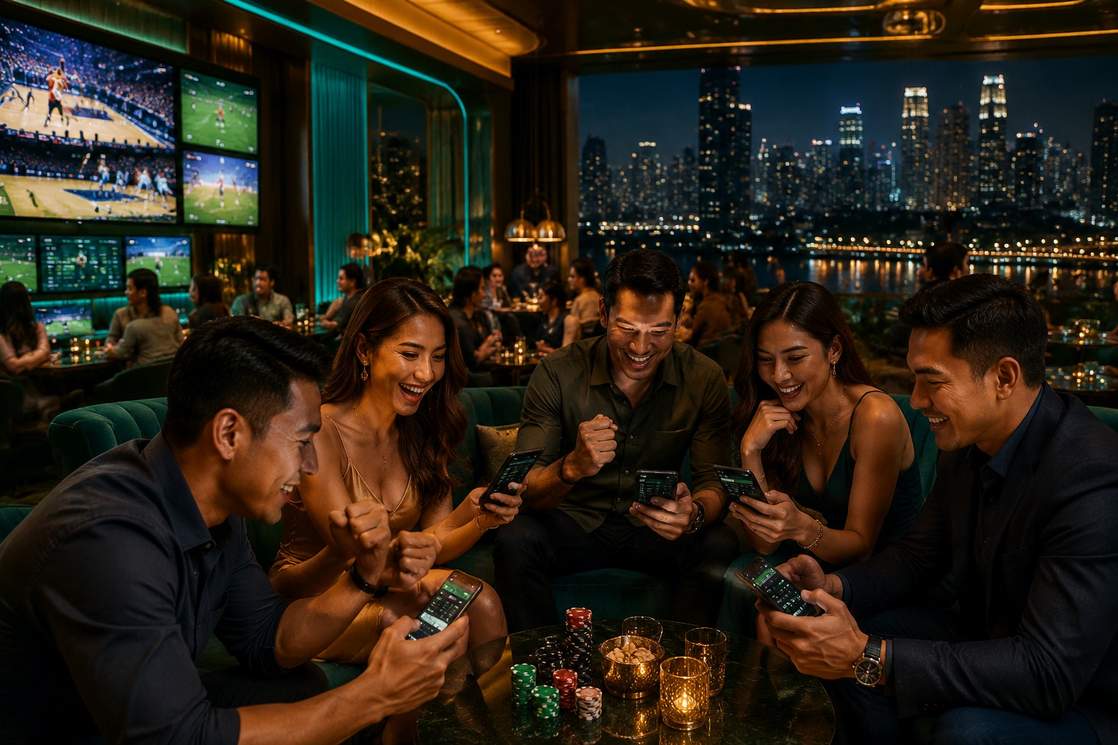
The bestph Login page and all account features are available to verified players aged 21 years and above only, in compliance with Philippine gaming regulations. Account sharing is strictly prohibited — your bestph account is for your personal use only. bestph reserves the right to suspend or close accounts found to be in violation of its Terms & Conditions, including accounts showing signs of underage access, fraudulent activity, or multi-accounting. All account activity is logged and subject to review. By logging in to bestph, you confirm that you are at least 21 years of age and agree to the platform's full Terms & Conditions and Privacy Policy.
Logging in to bestph should be the start of an enjoyable entertainment experience — not a compulsion. If you find yourself logging in out of habit rather than choice, or chasing losses, it may be time to take a break. bestph provides deposit limits, session time reminders, cooling-off periods, and self-exclusion tools accessible directly from your account settings. Use them. Gambling is addictive. Know when to stop. Visit our Responsible Gaming page for more information and support resources available to Filipino players nationwide.